The short answer
In Minds by Animoca Brands, an App gives a Mind access to an external service, a Tool performs one action, and a Skill organises multiple actions into an outcome-driven workflow for a whole job.
The simplest way to remember the difference is:
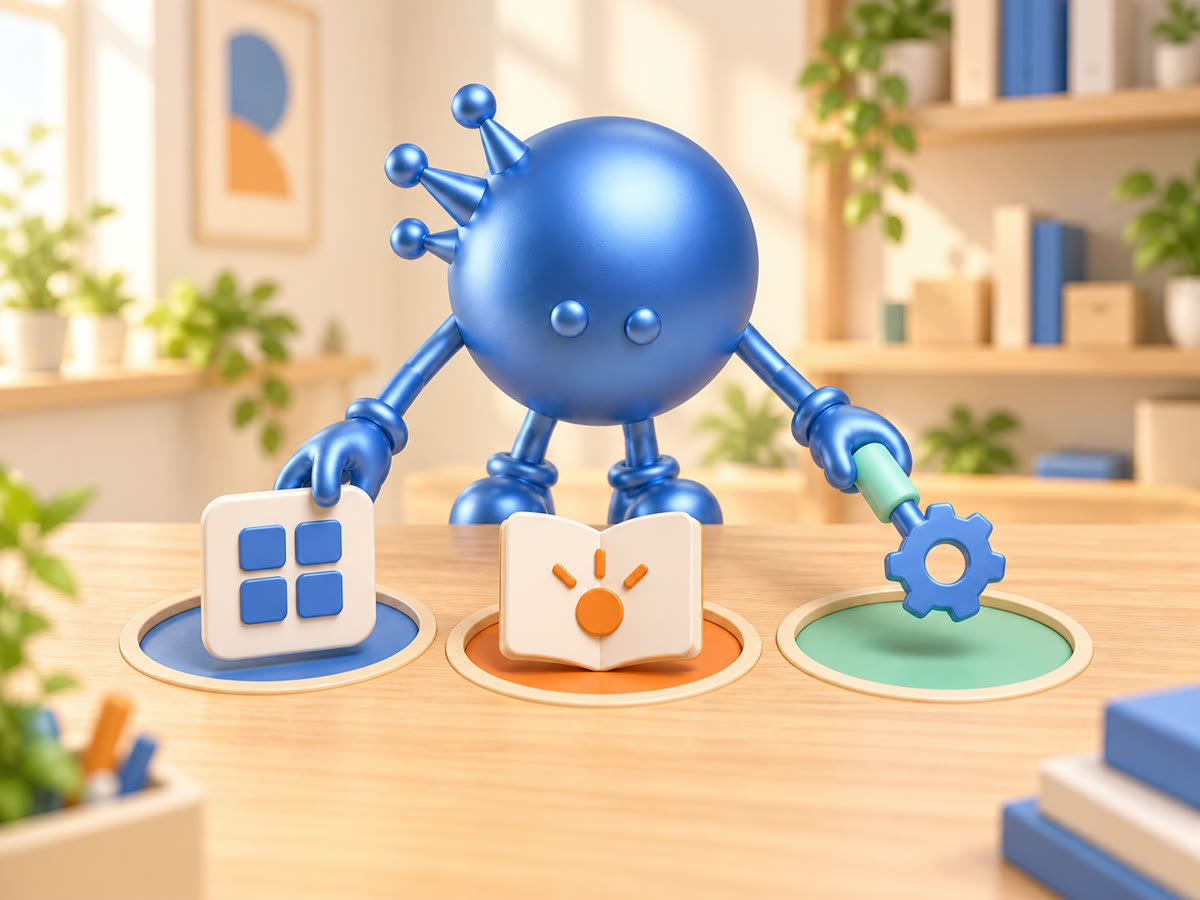
- App = where the work lives
- Tool = one action the Mind can take
- Skill = how the whole job gets done
Together, Apps, Tools and Skills connect a Mind’s recognisable role to the practical work it can do. Start with the result, then identify where the work lives, which actions are needed and how they fit together.
Apps, Tools and Skills at a glance
| Minds term | Its role | Current first-party example |
|---|---|---|
| App | Gives a Mind access to an external service | Gmail, Google Calendar or Notion |
| Tool | Performs one specific action | Search the web or send an email |
| Skill | Provides an outcome-driven, multi-step workflow | A workflow that chains the Tools needed for a job |
What is an App in Minds?
An App gives a Mind access to an external service where information or activity already lives. The current Minds FAQ names Google Calendar, Gmail and Notion as examples.
Current catalogue entries also show how App labels can vary by role. General Assistant lists Google Calendar, Gmail, Google Tasks, Google Sheets and Google Docs. Email Manager lists Gmail and Google Tasks.
Start with the service holding the information needed for the job. Appointments may point to a calendar; a task beginning with messages may point to an inbox. Browse the current Minds Apps page to see the available catalogue.
What is a Tool in Minds?
A Tool performs one specific action. The current Minds FAQ uses searching the web and sending an email as examples.
Think of Tools as verbs. A larger job may require several: search, read, compare, write or send. A Tool describes one part of the work, not the complete outcome.
This distinction helps you ask a precise question. “Can my Mind work with this service?” is an App question. “Can it perform this action?” is a Tool question.
What is a Skill in Minds?
A Skill is an outcome-driven, multi-step workflow for a specific job. It can bring several Tools together in a defined sequence.
If a Tool is one verb, a Skill is the playbook. It organises the actions required to reach a result, so you can think about the whole job instead of a list of disconnected capabilities. Browse the current Minds Skills catalogue to explore job-level workflows.
How do the three layers work together?
Consider a weekly inbox summary:
- The App identifies the email service containing the messages.
- The Tools cover individual actions such as reading, grouping and preparing text.
- The Skill organises those actions into the workflow for producing the summary.
- Your brief defines the audience, format and information that matters.
This is an editorial planning example, not a claim that every account or setup supports that exact workflow. The principle is to begin with the outcome, then identify where the work lives and what actions it needs.
What does your Mind need for the job?
| If you are asking… | Start with… |
|---|---|
| “Can my Mind work with this service?” | Apps |
| “Can my Mind perform this action?” | Tools |
| “Is there a workflow for this whole job?” | Skills |
You do not need to study every Tool before choosing a Mind; first decide which role and result fit the job in front of you, then use the three-layer model to narrow the question.
How to brief a job using Apps, Tools and Skills
Give your Mind four details:
- Outcome: What should it produce?
- Source: Which service or information matters?
- Actions: What needs to happen to create the result?
- Format: How should the result be organised?
For example:
Prepare a weekly summary of the messages that need my attention. Group them by project, identify the next action and return a concise checklist.
The brief names the outcome and format. Apps, Tools and Skills describe the capability layers that may support it. For a fuller framework, read How to Brief Your Mind.
Frequently asked questions
Is an App the same as a Tool? No. An App provides access to an external service; a Tool performs a specific action.
Where can I browse current options? The Minds Bazaar has separate pages for Apps and Skills.
Which should I choose first? Begin with the result. Then ask where the information lives, which actions are needed and whether a Skill covers the whole job.
Choose the Mind’s result first, then add only the capability layer that helps deliver it.
Give your first Mind one clear job.
Start with a task you can review, then refine the result.